
Your WiFi is More Interesting Than You Think
Most people imagine “hackers” as someone furiously typing in a dark room, trying to guess their password.
In reality, modern attacks are often quiet, automated, and patient.
A Pwnagotchi attack is a perfect example of that. It doesn’t smash its way into your WiFi. It hangs out, listens, and waits for the right moment to capture the data it needs to break in later.
The good news: once you understand what’s happening, you can defend yourself very effectively. You don’t need to be deeply technical. You just need to know what to change on your router and how to build good habits around your home WiFi security. If you’re often connecting to networks on the road, especially in hotels and airports, make sure you also read 5 Effective Hotel Wi‑Fi Security Tips for Travelers for practical advice on staying safe away from home.
This guide walks through what a Pwnagotchi attack is, how it works in plain language, and exactly what to do to protect your home or small office network.
What Is a Pwnagotchi Attack, in Simple Terms?
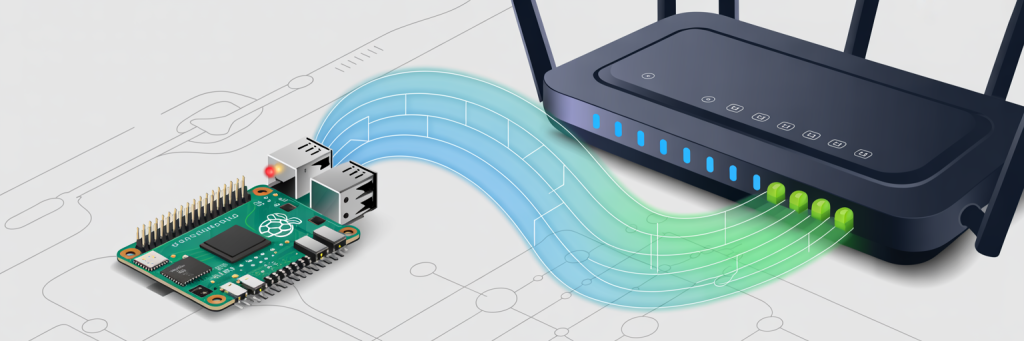
A Pwnagotchi is a small, usually DIY device (often built on a Raspberry Pi) that uses AI-like logic to “learn” how to capture WiFi data more effectively.
Think of it as a digital Tamagotchi whose “food” is WiFi handshakes.
A Pwnagotchi attack focuses on collecting something called a WPA handshake. When your phone or laptop connects to your WiFi, there’s a brief conversation between your device and the router to prove you know the password. That little conversation is the handshake.
Attackers don’t need to know your password right away. Instead, they:
- Sit near your network with a Pwnagotchi device.
- Capture those WPA handshakes as your devices connect or reconnect.
- Take the captured handshake home and run it through powerful password-cracking tools offline.
This is where WPA handshake threats become real. If your WiFi password is weak, reused, or predictable, a Pwnagotchi attack can eventually crack it without ever “guessing” against your router directly.
Why a Pwnagotchi Attack Is a Real-World Problem

Let’s make this concrete.
Imagine someone in your apartment building sets up a Pwnagotchi device in their backpack and leaves it near a hallway window. Every time you come home and your phone reconnects to WiFi, the device quietly captures handshakes.
Or picture a café that never changes its WiFi password. A visitor leaves a Pwnagotchi plugged into an outlet behind a plant. It runs for days, collecting data from everyone who connects.
Nobody notices anything. Internet still works. There are no pop-ups, no warnings.
That’s what makes a Pwnagotchi attack so attractive to attackers and to people doing unethical “wireless penetration testing” in the wild. It’s passive, stealthy, and low-risk for them.
Your best defense is not trying to “see” the device. It’s to make the captured data useless by hardening your WiFi configuration and following solid cybersecurity best practices.
Step 1: Use Strong, Modern WiFi Encryption
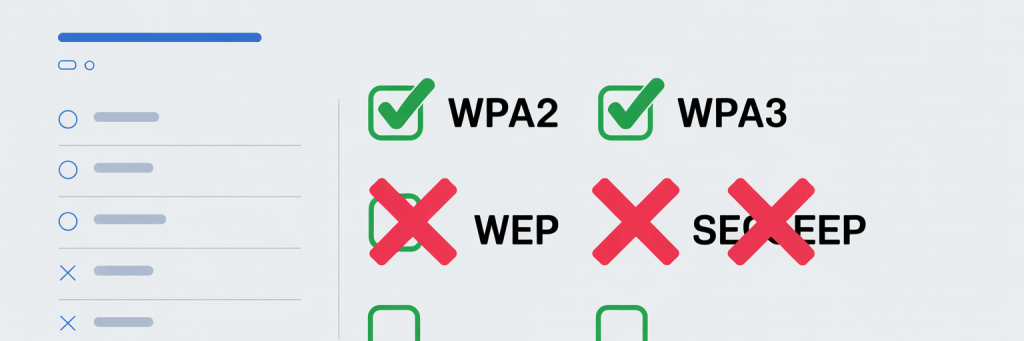
Choose WPA2 or WPA3 – Never WEP or “Open”
Log into your router’s admin page and check the WiFi security mode.
You want to see:
- WPA2-Personal (AES), or
- WPA3-Personal, or
- WPA2/WPA3 mixed mode
If you see WEP, TKIP, or “open network,” change it immediately. Older standards are much easier to attack, and a Pwnagotchi attack combined with weak encryption makes your network an easy target.
This is the foundation of WiFi security and network hardening. Without modern encryption, everything else is just decoration.
The numbers are stark: 81% of routers still use default admin credentials.
Use a Long, Unique Passphrase
The Pwnagotchi’s goal is to feed password-cracking tools. Those tools love short, simple passwords.
Good WiFi passphrase rules:
- At least 16–20 characters
- A mix of words, numbers, and symbols
- Not reused from any other account or service
For example:Coffee!Router!Cloud!72 is far better than password123 or your pet’s name.
Even if a Pwnagotchi attack captures your WPA handshake, a truly strong passphrase can make cracking it impractical or effectively impossible.
Step 2: Shut Down Easy Attack Avenues
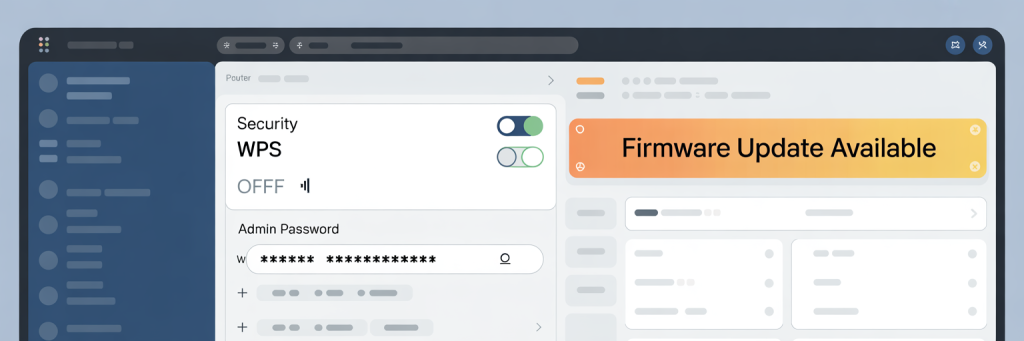
Turn Off WPS (Wi-Fi Protected Setup)
WPS is the “push a button to connect quickly” feature on many routers. Unfortunately, it has a long history of vulnerabilities.
In your router settings, look for WPS and disable it.
This simple change dramatically reduces certain WPA handshake threats and brute-force risks.
Change the Default Router Admin Password
This is different from your WiFi password.
If someone gets onto your network, or if your router is exposed from the outside, a default admin password lets them reconfigure everything – including opening the door wider for a Pwnagotchi attack later.
Change:
- Username (if possible)
- Admin password (definitely)
Use another strong, unique passphrase here as part of your network hardening strategy.
Keep Firmware Updated
Router firmware updates often patch serious security flaws.
Log in at least every few months and:
- Check for firmware updates
- Turn on automatic updates if available
This is one of the simplest cybersecurity best practices, but it’s easy to forget. Set a calendar reminder if needed.
Step 3: Reduce Your WiFi’s “Attack Surface”
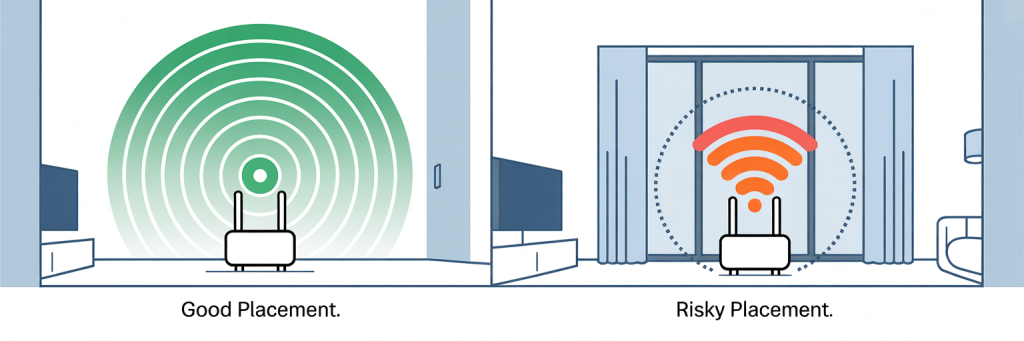
Limit How Far Your Signal Reaches
A Pwnagotchi attack only works if the device can “hear” your WiFi.
You can’t shrink radio waves completely, but you can:
- Place the router more centrally, away from windows
- Reduce transmit power if your router supports it
- Avoid super-high-gain antennas in small apartments
The goal isn’t perfection; it’s to make casual drive-by attackers less likely to latch onto your network.
Use a Separate Guest Network
If you regularly have visitors, smart TVs, or IoT gadgets connecting, consider a guest network:5
- Guest SSID with its own strong password
- No access to your internal devices (computers, NAS, work laptop)
This way, even if a Pwnagotchi attack captures and cracks your guest WiFi, your more sensitive devices are still on a separate, more protected network.6
Step 4: Monitor, Test, and Stay Aware
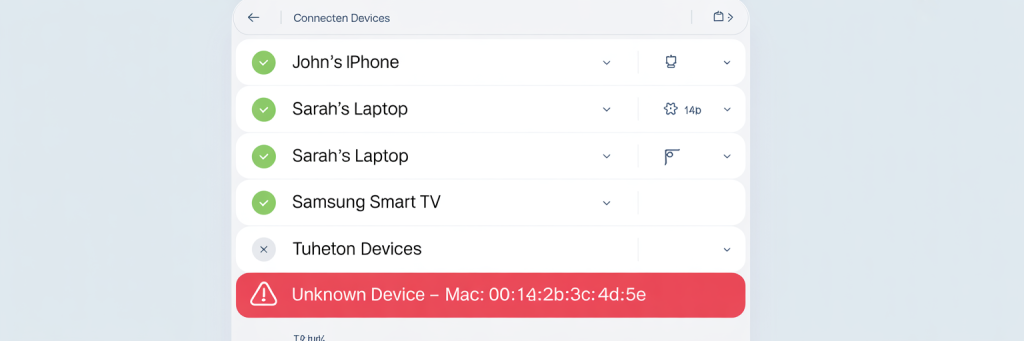
Watch for Strange Devices on Your Network
Most modern routers let you list connected devices. Get familiar with this page.
Look for:
- Unknown device names
- Weird manufacturers you don’t recognize
- Devices connected at odd hours
If something looks off:
- Change your WiFi password
- Reboot the router
- Log out all clients and reconnect only trusted ones
A successful Pwnagotchi attack ultimately shows up as an unauthorized device using your WiFi. Catching that early is key.
(Optional) Do Ethical Testing on Your Own Network
Security professionals use tools similar to Pwnagotchi for wireless penetration testing in controlled, legal environments. You don’t need to build one yourself, but you can:
- Hire a professional to test your setup, or
- Use reputable WiFi analyzers to scan for weak configurations
The idea is simple: if your defenses stand up to legitimate testing, they’re much more likely to withstand a Pwnagotchi attack on the street.
Bringing It All Together: Everyday Cybersecurity Best Practices
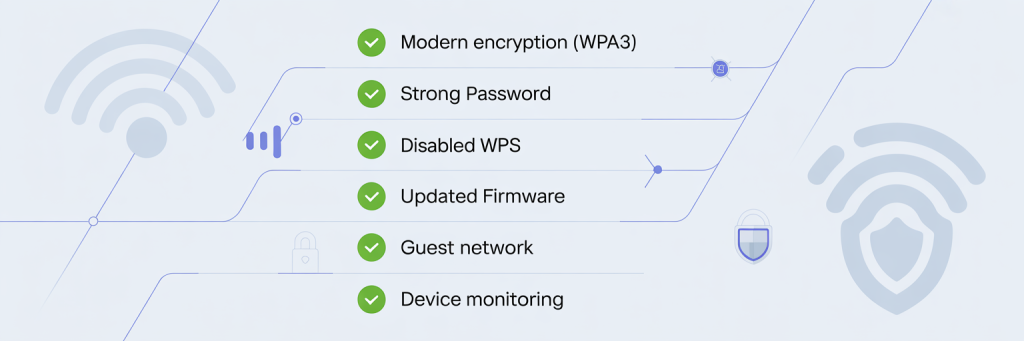
Protecting against a Pwnagotchi attack isn’t about chasing every new gadget an attacker might build. It’s about doing the fundamentals consistently well.
Those fundamentals include:
- Modern encryption (WPA2/WPA3)
- Strong, unique passwords
- Disabled WPS
- Updated firmware
- Segmented networks (guest vs main)
- Regular checks for unknown devices
These habits boost your overall WiFi security, improve your network hardening, and align with solid cybersecurity best practices that protect you from far more than just one type of attack.
Don’t forget. WiFi is just one piece of your digital life. Attackers often combine network weaknesses with phishing and social engineering. To cover that side of the equation, check out Email Security Tactics for simple ways to spot malicious messages and lock down your inbox.
Conclusion: Stay One Step Ahead, Calmly
You don’t need to panic about every new tool or headline. A Pwnagotchi attack sounds scary because it’s clever and automated, but its power depends heavily on weak passwords and outdated settings.
By taking a few focused actions on your router and building better security habits, you make your home or office a far less attractive target.
Think of it this way: attackers, and their little AI pets, prefer the lowest-hanging fruit.
With the steps in this guide, your network stops being that easy target—and you stay confidently connected, on your terms.