
Smart TV security is no longer optional in 2026. The television sitting in your living room is no longer just a screen — it’s a permanently connected computer with a microphone, an app store, advertising software, and in some cases, a camera. Yet for most households, it remains one of the least protected devices on the network.
This guide walks you through how to secure smart TVs, streaming boxes, and gaming consoles step by step. No scare tactics, no checklists without context — just clear explanations so even a beginner can lock things down properly.
Why Smart TV Security Matters More in 2026
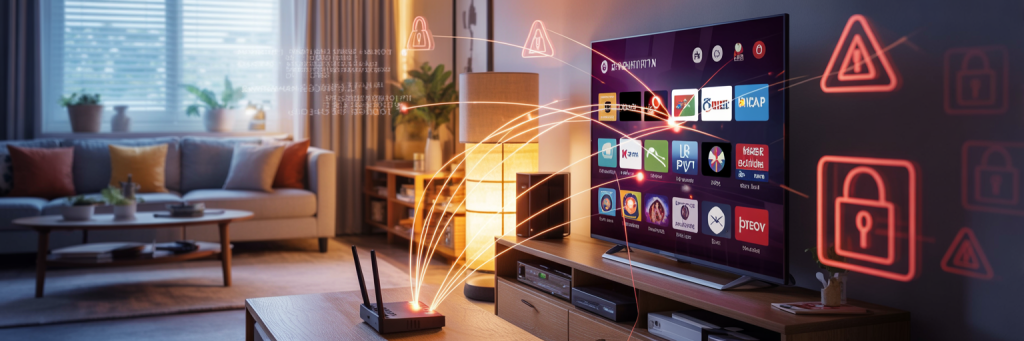
Modern smart TVs now run full operating systems (Android TV, Tizen, webOS) and maintain constant internet connections. In 2026, these devices:
- Collect viewing behavior and interaction data
- Serve AI‑driven targeted ads
- Sync accounts across multiple devices
- Share the same network as your laptops and phones
From a smart TV security perspective, this means one poorly secured TV can become an entry point into your entire home network.
Step 1: Start With the TV’s Built‑In Privacy Controls
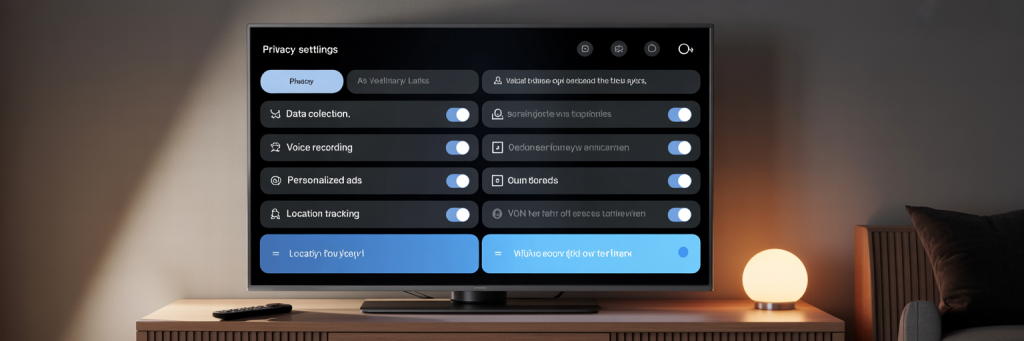
The first thing to understand about smart TV security is that most privacy‑impacting features are enabled by default. Manufacturers optimize for data collection and convenience, not security.
Open your TV’s settings menu and locate sections labeled Privacy, Terms, or User Agreements. You’ll often find features like:
- Viewing data collection
- Content recognition (ACR)
- Personalized advertising
Disabling these features reduces how much data leaves your home. While your TV will still function normally, ads become generic and recommendations slightly less tailored — a fair trade for better smart TV security.
Step 2: Disable Voice Recognition (Unless You Truly Use It)
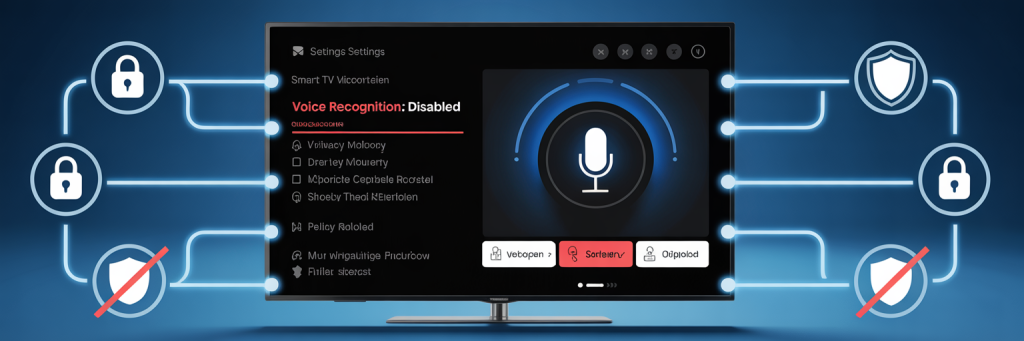
Many smart TVs listen continuously for wake words like “Hey TV.” In 2026, voice recognition is typically processed in the cloud, meaning snippets of audio may leave your home.
If you rarely use voice commands, turning this feature off significantly improves smart TV security.
Navigate to:
- Voice Services
- Voice Recognition
- Voice Assistants
Turn off listening features completely. If your TV allows it, disable microphone access at the system level.
Step 3: Secure the App Store and Installed Apps
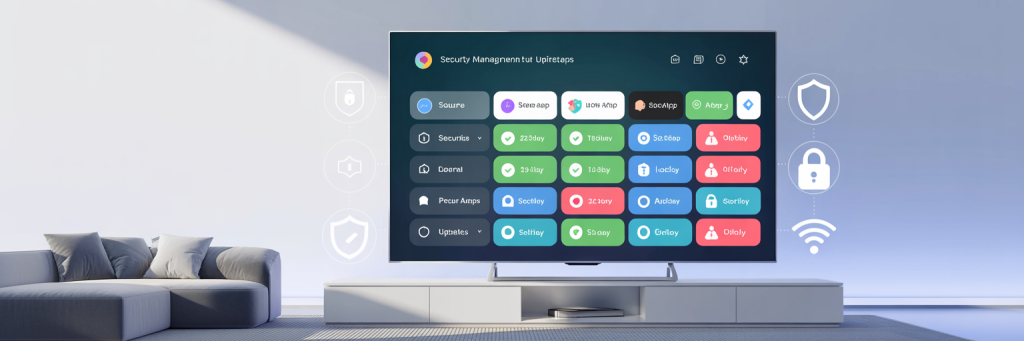
Smart TVs now support hundreds of apps — many built by third parties with varying security standards. Each installed app increases your attack surface.
From a smart TV security standpoint:
- Remove apps you don’t actively use
- Avoid sideloading unofficial apps
- Review app permissions carefully
If an app requests microphone or network permissions it doesn’t need, uninstall it. Unlike phones, TVs rarely alert you when an app behaves suspiciously.
Step 4: Lock Down Automatic Content Recognition (ACR)
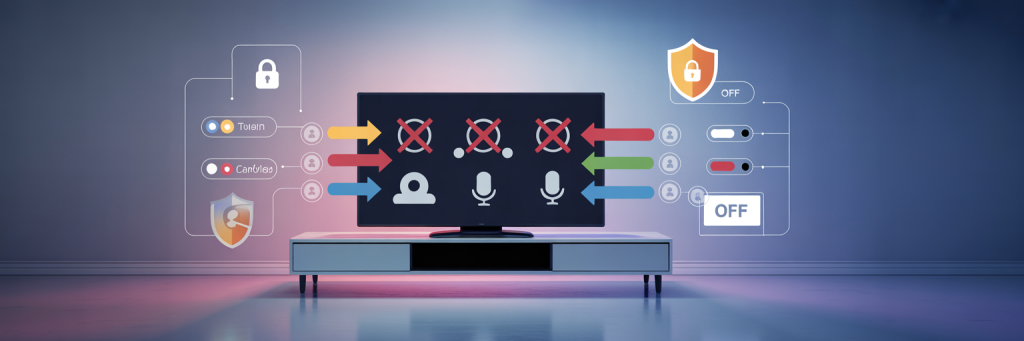
Automatic Content Recognition scans what you watch — including HDMI inputs — and sends that data to advertisers. Many users are unaware this exists.
Independent research supports these concerns — a study on smart TV tracking and privacy risks found that many smart TVs actively analyze on-screen content and transmit viewing data to third parties by default.
In your TV’s privacy or system settings, disable:
- Content recognition
- Viewing information services
- Interactive TV services
This step alone dramatically improves smart TV security and privacy with zero impact on performance.
Step 5: Update Firmware — But Do It Safely
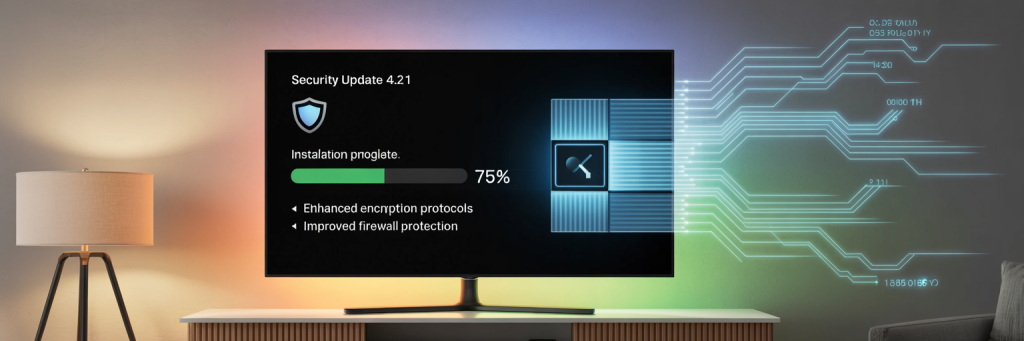
Firmware updates are critical for smart TV security, as they patch vulnerabilities. However, automatic updates can sometimes introduce tracking features.
Best practice in 2026:
- Enable security updates
- Review update notes when available
- Avoid beta or experimental firmware
Keeping firmware updated protects against known exploits while maintaining control over new features.
Step 6: Isolate Smart TVs on Your Home Network
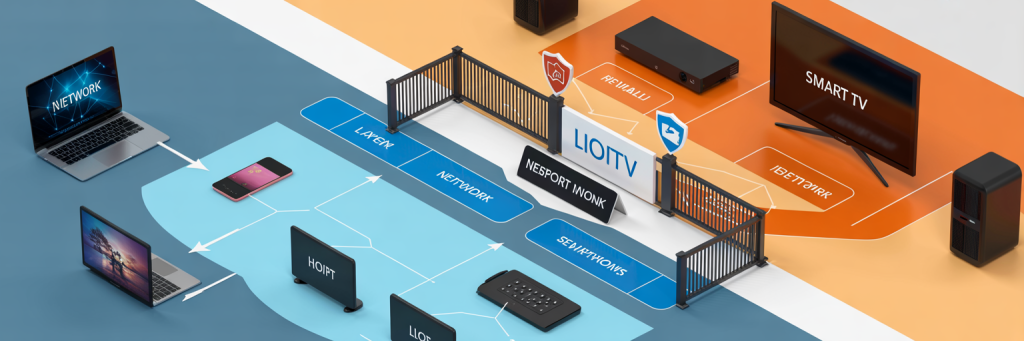
One of the most effective smart TV security measures doesn’t live on the TV at all.
If your router supports it, place smart TVs and streaming devices on a separate VLAN or guest network. This prevents:
- Lateral movement to laptops or phones
- Access to sensitive devices
- Full network compromise
Even if the TV is breached, the damage stops there. Secure your home router properly!
Step 7: Streaming Boxes and Consoles Need the Same Treatment
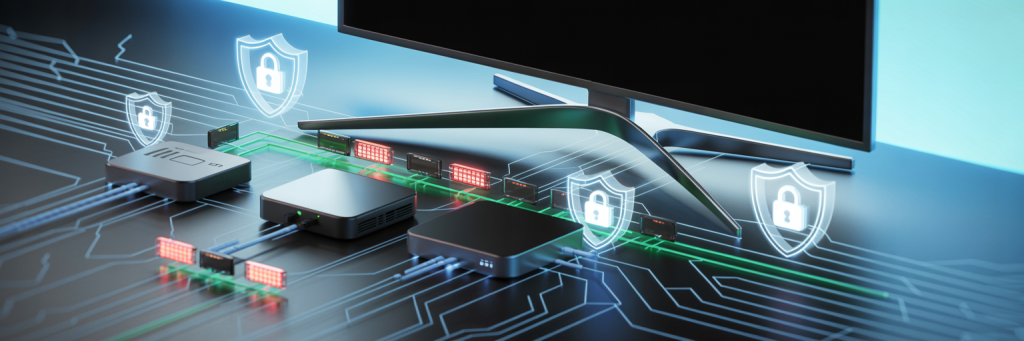
Apple TV, Fire TV, PlayStation, and Xbox devices are essentially computers connected to your TV. Apply the same smart TV security principles:
- Disable voice recording
- Lock down privacy and ad settings
- Use strong, unique account passwords
- Enable two‑factor authentication
Account takeover is now more common than device hacking — especially for consoles.
When You Should Not Disable a Setting
Security isn’t about turning everything off. Some features should remain enabled:
- System security updates
- Encrypted network connections
- Account‑level authentication
Disabling these weakens smart TV security and can expose your device to known exploits.
Final Thoughts: Smart TV Security Is About Control
In 2026, smart TV security comes down to understanding that your TV is a data‑collecting endpoint — not just a display.
By controlling what leaves your home, limiting app access, and isolating devices on your network, you dramatically reduce risk without sacrificing usability.
Smart TV security isn’t paranoia. It’s basic digital hygiene for modern homes.